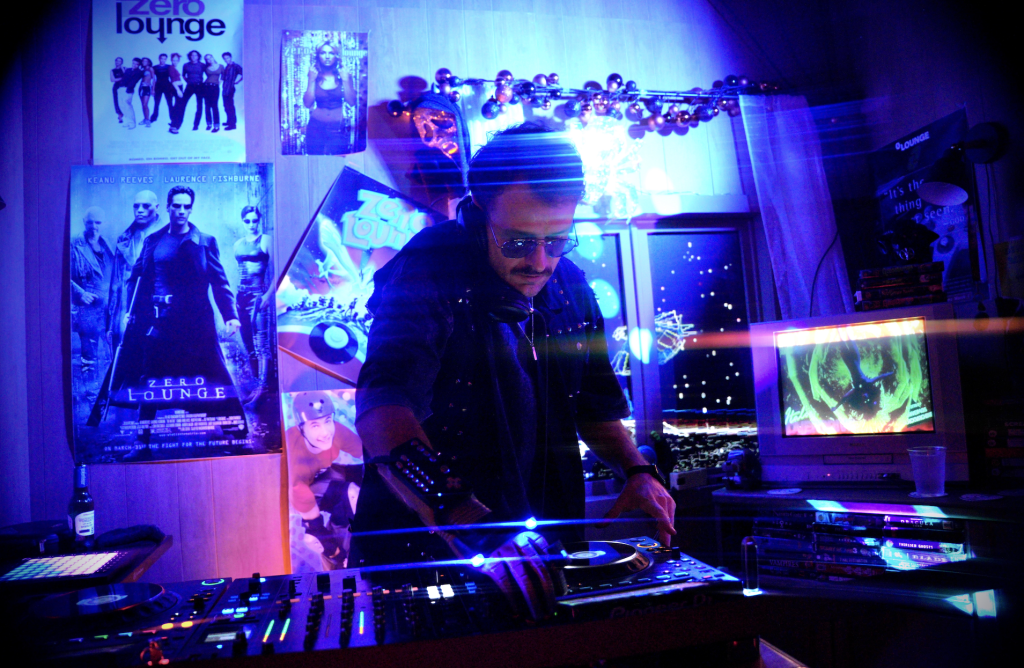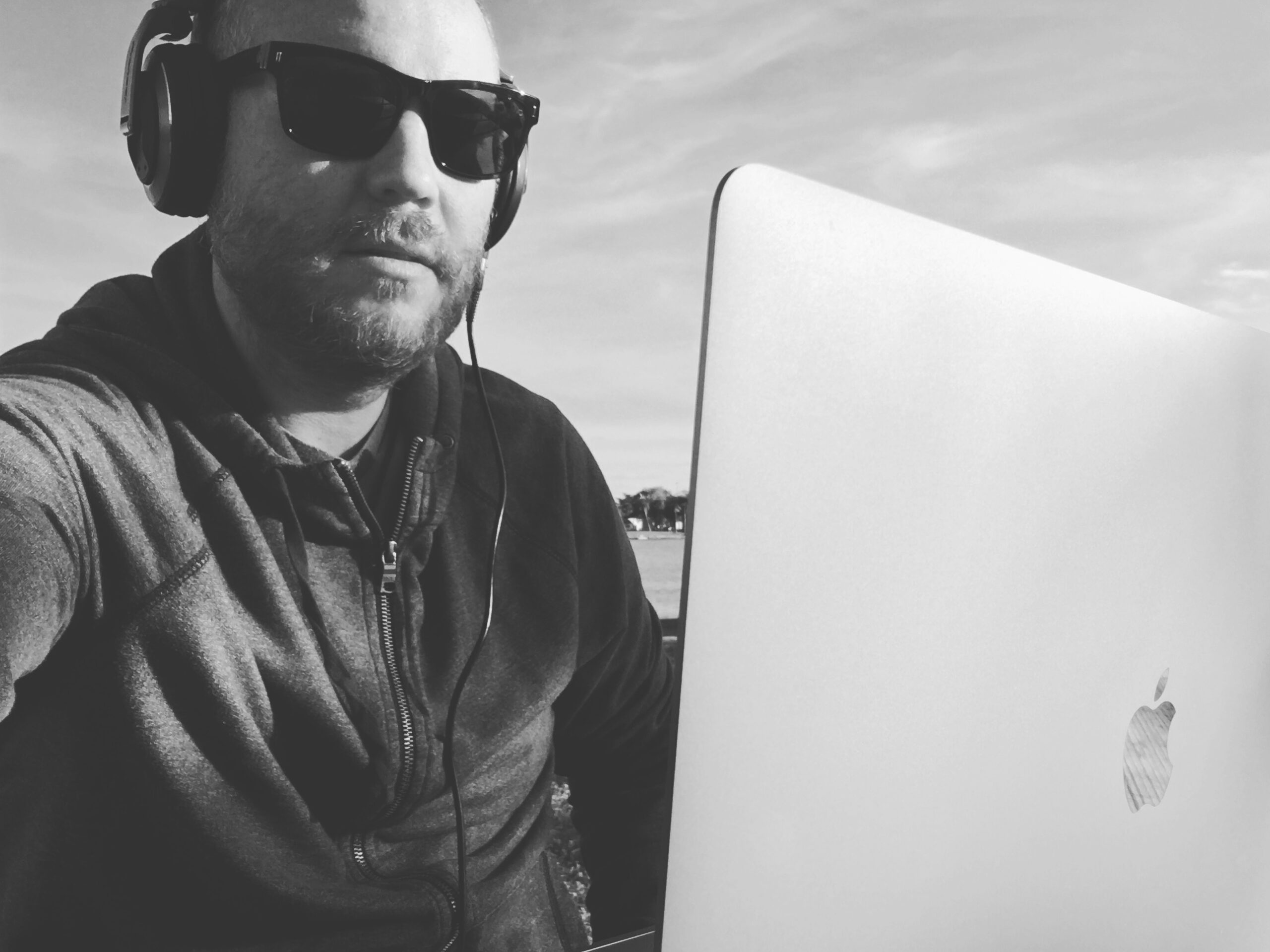
2026 update: This article has been rebuilt around products that are currently sold and supported. Push 2 and iMaschine 2 have been removed from the main recommendations; the original Jackery remains available, and newer computer, controller, monitor, power, and internet options now fit smaller travel systems.
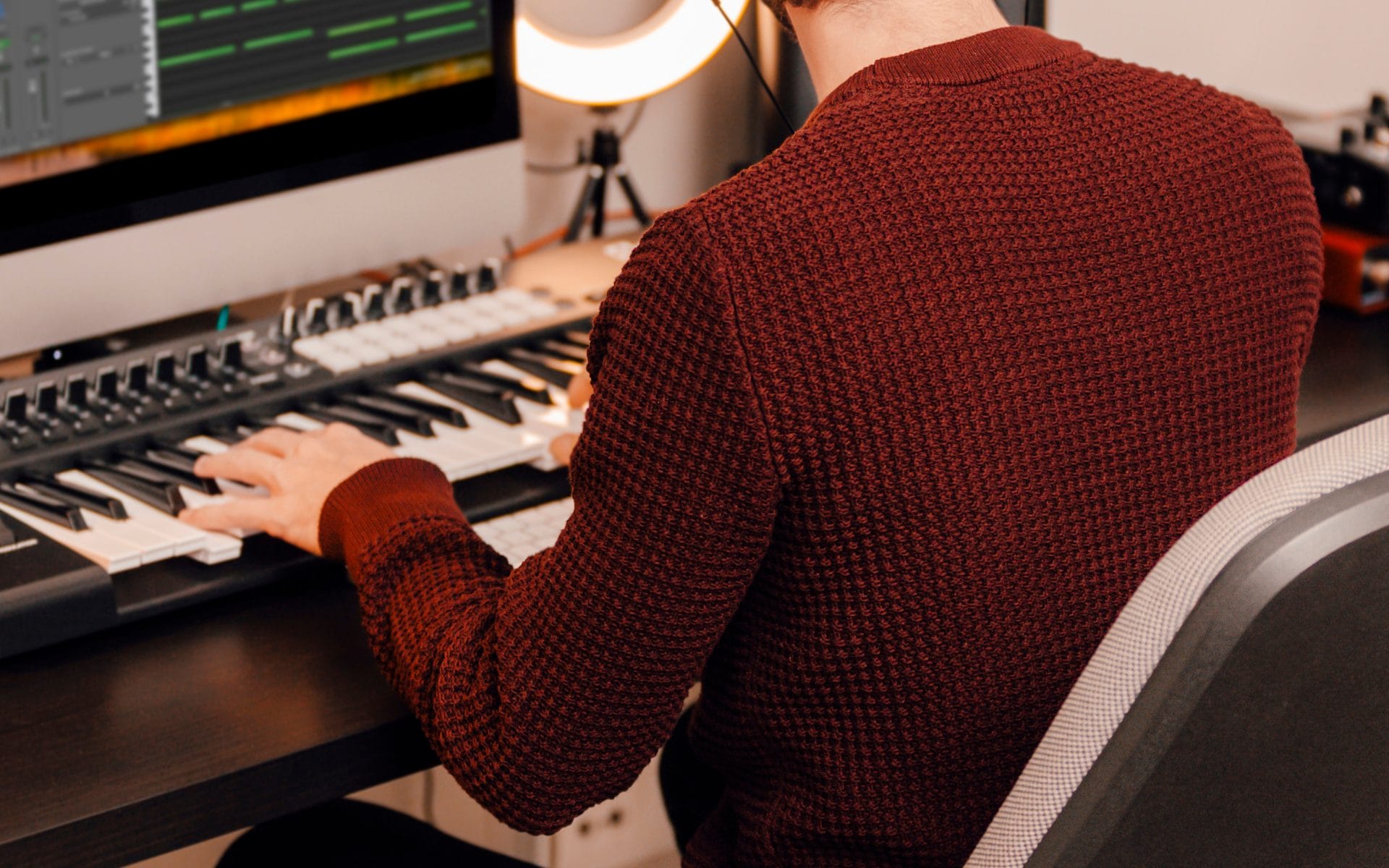
Producing music on the road can mean working from a plane seat, a hotel desk, a parked car, or an RV with a fixed workstation. Those settings need different equipment. My original setup was built around a 30-foot RV, so it included studio monitors, a subwoofer, DJ equipment, protected shore power, and a dedicated internet system. A flight-based setup should be far smaller.
Quick answer: Start with a current laptop, a compact bus-powered interface, closed-back headphones, and one small MIDI controller. Add monitors, backup power, and dedicated internet only when the vehicle or room can support them. For most producers, a four-piece core system costs less, travels safely, and covers writing, recording, editing, and mix preparation.
| Quick pick | Current checked price | Best fit |
|---|---|---|
| 13-inch MacBook Air with M5 | From $1,099 | Flights, hotels, and light vehicle setups |
| RME Babyface Pro FS | $999 | Recording, monitoring, and low-latency sessions |
| Audio-Technica ATH-M50x | From $159 | Shared rooms, transit, and closed-back monitoring |
| Novation Launchkey Mini 25 MK4 | $109.99 through July 31, then $129.99 | Compact MIDI input |
| IK Multimedia iLoud Micro Monitor Pro Pair | $599.99 | RVs, long hotel stays, and small temporary rooms |
| Jackery Explorer 300 | $279 | Short laptop, interface, and device backup |
| Starlink Mini | Hardware from $199, plans from $55 per month | Remote work where cellular service is weak |
Prices can change without notice. Check the product page before ordering.
Who is this road production setup for?
This setup is for producers who need to write, record, edit, arrange, or prepare mixes away from a permanent studio. The minimum system fits flights and hotels. The expanded system applies to vans and RVs with secure storage, controlled power, enough desk depth, and a repeatable monitor position.
The correct first step is to define the location. A producer moving through airports should spend money on low weight and closed-back monitoring. A producer living in an RV can add speakers, power conditioning, a cellular router, and satellite internet after the core system is stable.
What changed for music production on the road in 2026?
Some recommendations from the 2022 article remain available, although their role has changed. Others should now be replaced.
| Original recommendation | 2026 status | Current advice |
| 16-inch Intel-era MacBook Pro | Replaced by current Apple silicon models | Buy MacBook Air M5 for mobility or MacBook Pro M5 for large sessions |
| RME Fireface | Product family remains active | Babyface Pro FS is easier to carry and bus power |
| Ableton Push 2 | No longer sold through Ableton | Buy Push 3 only for car, van, or RV systems |
| iMaschine 2 | Discontinued | Use Ableton Note or a current mobile DAW |
| Sennheiser HD 650 | Still sold | Keep for quiet rooms, skip for shared travel settings |
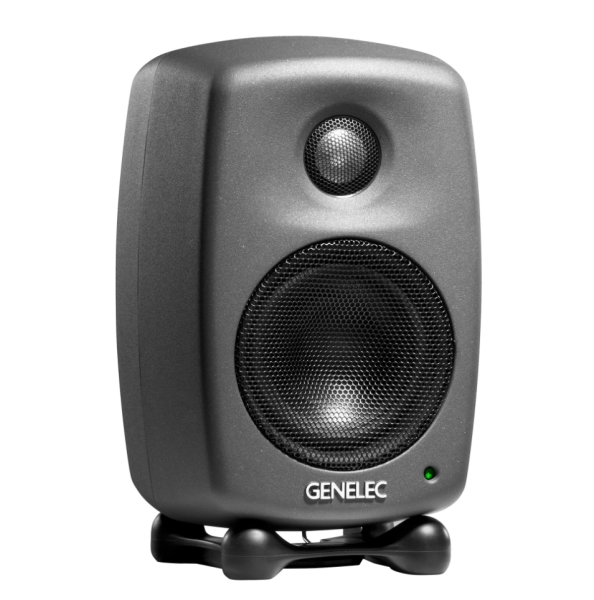
| Genelec 8010A and 7040A | Still sold | Use the 8010A pair in fixed vehicle rooms; add the sub only after placement testing |
| Jackery Explorer 300 | Still sold | Good for small systems; check capacity before connecting speakers |
| Pioneer XDJ-RX3 | Still sold | Suitable for a fixed RV booth, too large for most production-first travel kits |
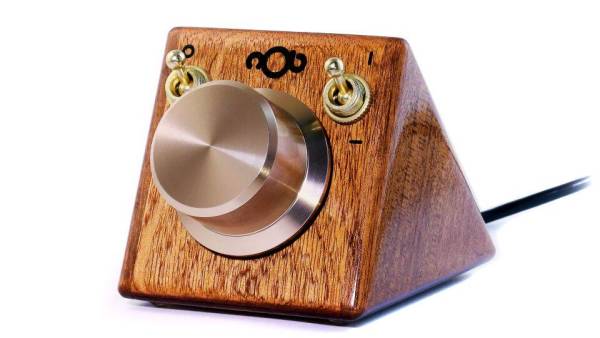
| NOB Control | Current site, temporarily out of stock | Join the stock list or choose another encoder controller |
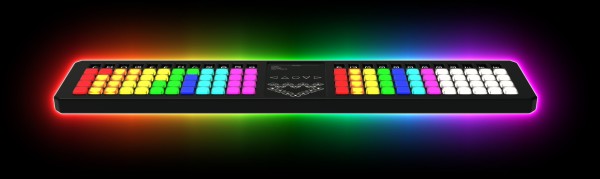
| TheoryBoard | No verified current direct-sales page | Treat as a used-market purchase and check firmware access first |

THE SPACE:
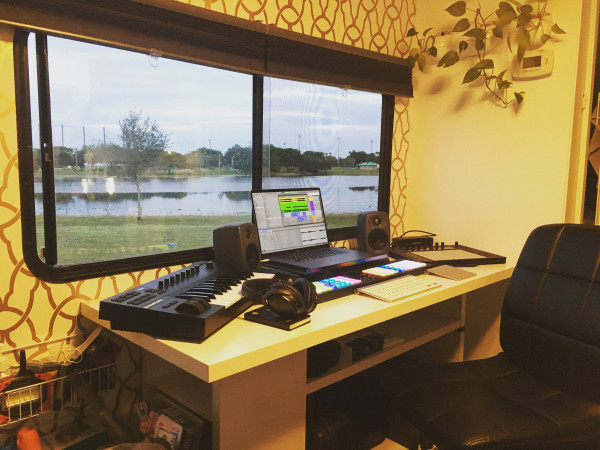
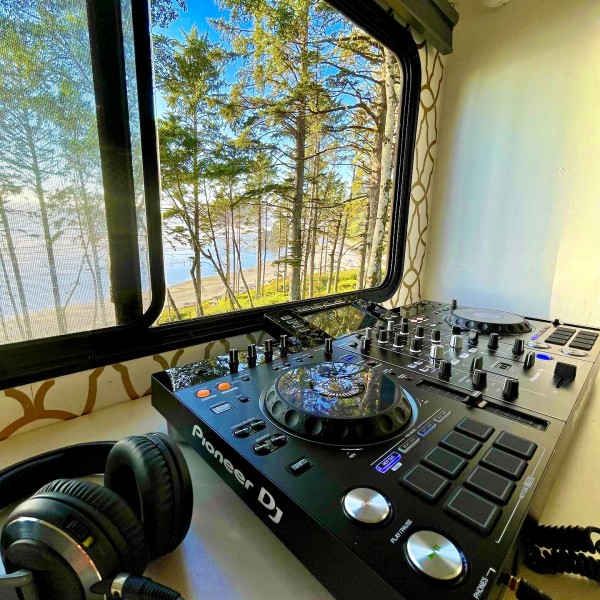
When you are constantly moving from place to place everything on your studio desk has to be easy to set up or it has to be securely attached to the desk itself. I had been watching some videos from a traveling music production couple called Kreative Freedom sharing their mobile studio ideas which was a huge inspiration. My studio in the RV was set on top of an IKEA office desk from the house that we screwed to the wall and floor of the RV.
Keep furniture lightweight and functional. Screwing rack mount gear down and securing cables with clips and tubing can really help keep the cable spaghetti mess from occurring. Take my advice and complete your workspace install and layout as much as possible before getting on the road. The time it can take to set up even a few simple items can be enough to break away your mind from a creative to a more logical task-oriented state. This was my desk in the beginning with only some items attached for movement.
THE COMPUTER:
At the core of any system is your computer and really what works for you is best. I had the 16″ MacBook pro and maxed out the ram to 64 gigs. I also know people that bolted a mac mini or PC desktop to the wall and then mount a wall monitor or connect it to a TV. However, you do it, just make sure you have enough processing power to run virtual instruments and plug-ins. An advantage of using a computer with an external monitor is the extra table space it provides compared to a laptop.
AUDIO CARD:
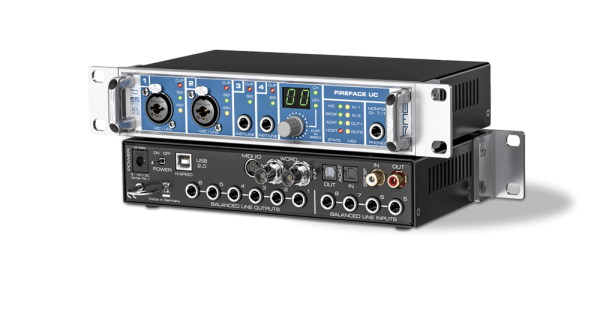
You can always plug in headphones to the computer but to really do it right you should use an external audio card. I have tried several and found my favorite to be the RME Fireface. The older units are built to run incredibly stable and fast over a simple USB 2.0 connection minimum. Unlike some other audio brands RME never “bricks” the older units by discontinuing software updates with new OS versions. So that means in 5, even 10 years that investment you made will still work on a new computer instead of becoming obsolete.
Get a small unit with at least headphones out and 2 inputs x 2 to 4 outputs with XLR & 1/4 combo jacks to accommodate either connection. My interface was compact enough to mount under the desk with a few screws with a simple 90-degree mount from the hardware store.
INSTRUMENTS & TOOLS TO MIXDOWN:
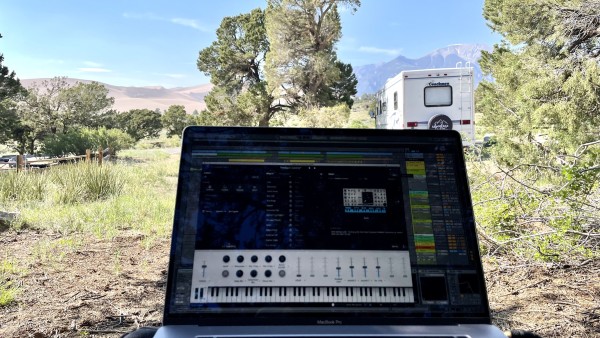
When it comes to virtual synths these days there are incredible sounding emulations of some of the most expensive pieces of hardware that are sonically very close in perceived quality to thousand-dollar hardware instruments. I know I know for the purists it is not the same as hardware, but Moog doesn’t love all the bumps of the road and getting knocked around, so the plug-ins do the job spectacularly.
I was already using Ableton as my go-to DAW and also found an abundance of creativity using the Native Instruments Komplete Suite and the Arturia Instruments bundle as well as their pigments series. When it came to effects I armed myself with the Sound Toys plug in bundle and a few other tools, then used the Waves Diamond bundle to do processing and optimize mixdowns.
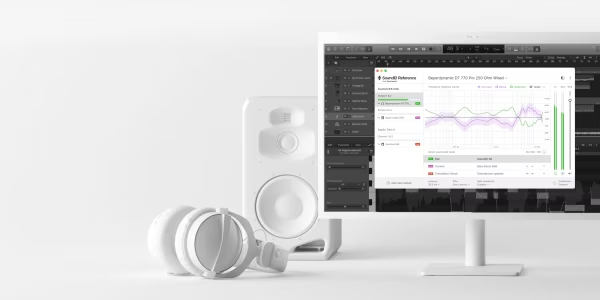
Speaking of mix-downs, how do you do that exactly in an RV or on the road? My secret weapon to being able to “trust” what I was hearing would translate to other systems was the Sonarworks room correction software which uses custom-mapped EQ characteristics to give you a near-flat listening experience. The system uses a custom RTA microphone that takes measurements in your listening space to then calculate and compensate for the peaks and nulls of the audio spectrum in your listening position. The system does a great job and also implements custom headphone EQ profiles like the Sennheiser HD650 open-back headphones for a source os trusted listening in headphones.
CONTROL:
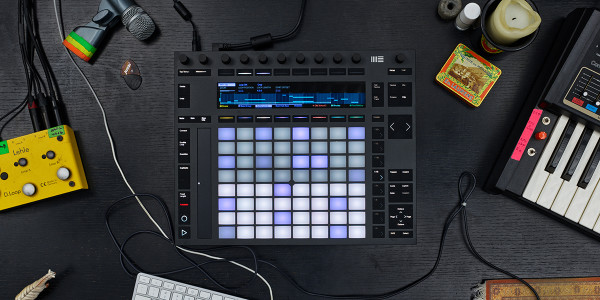
I trimmed down the studio to a few tools I was able to use individually or set up and store easily when I was moving. For my hardware control, I chose the PUSH2 with its native Ableton integration to program drums, pads and create an ease of workflow.
Another amazing piece of simple gear was a piece I discovered from Robert Babicz called NOB – it allows you an amazingly tactile large knob that instantly allows detailed control resolution on anything you put your mouse on. This was a huge time saver for me instead of having to hassle with midi mappings or even duplicate mappings the unit gave me quick control to automate synths and other plug-ins with a real hardware nob feel.
The most useful controller on the road was an item called THEORYBOARD – this thin unit allows you to access incredibly complex chords and notes in an easy layout that makes the complexity of music theory accessible to anyone.
SPEAKERS:
While I loved my at-home 8″ studio monitors, I had already faced the issue of sound before getting on the road and I was equipped with the small but mighty Genelec 8010a speakers at only 3″ and the bumping 6.5 inch Genelec 7040a subwoofer. The clarity of the system is amazing inside the listening triangle it feels very full. I recommend something compact no more than 5″ tops and a subwoofer also if it’s possible for your space. At the beginning of the road trip, I would just connect the speakers to their installed cables on the desktop when arriving at each location. eventually, I was able to get ahold of some wall mounts and fix the Genelecs to the wall.
POWER:
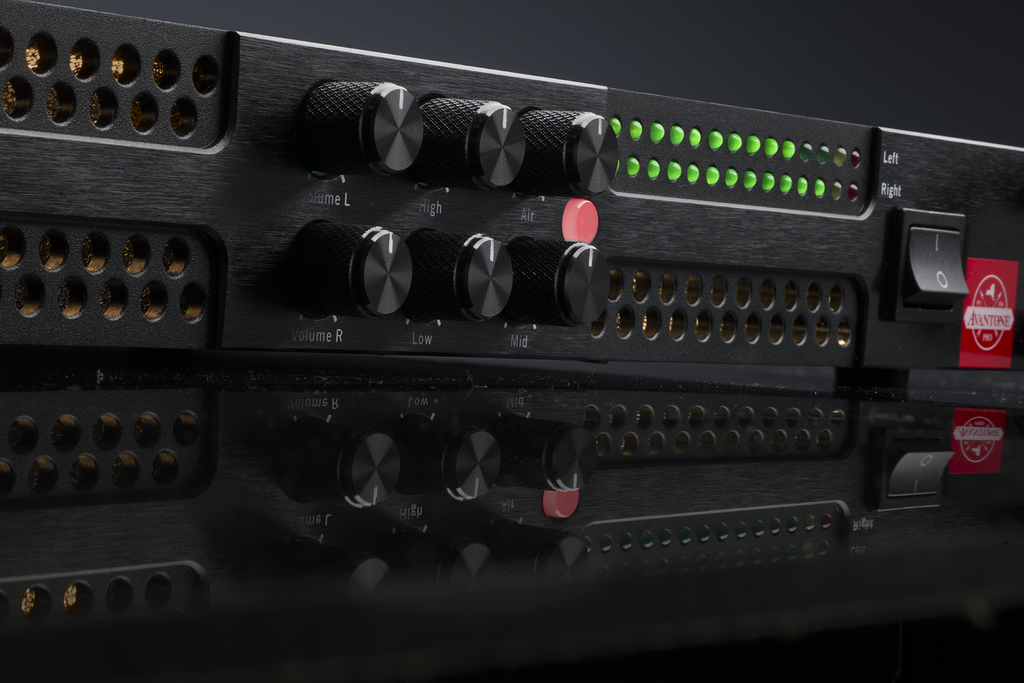
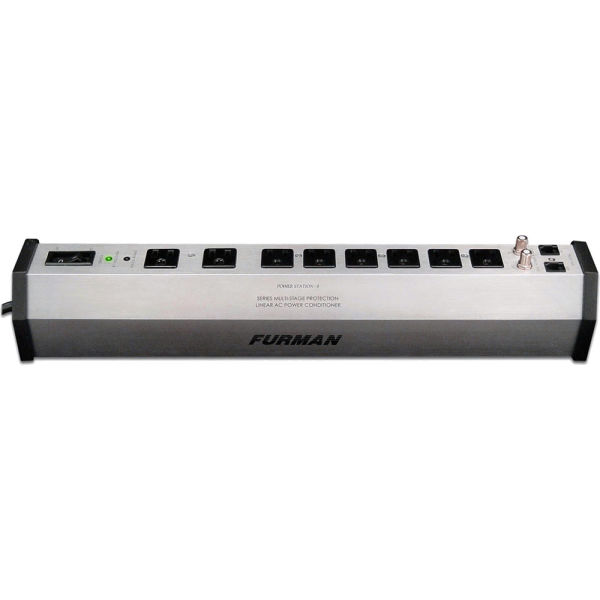
Creativity comes to a halt without electricity! We had a generator in our RV and sometimes we had power available but other times we did not, and many areas including National Parks will limit the time generators can be used. When it comes to the road you also need a quality clean power source to run all these electronics and audio equipment and do not want to just plug into an old generator or power bank outlet as it can damage your equipment. Inside the RV all the gear was plugged into a Furman PST-8 Series Line Conditioner for possible surges and spikes in addition to a main Power Surge System from SouthWire that protected and monitored our main 30amp shore power connection. Pay attention to the power draw your equipment requires so you don’t trip breakers or create any fire hazards.
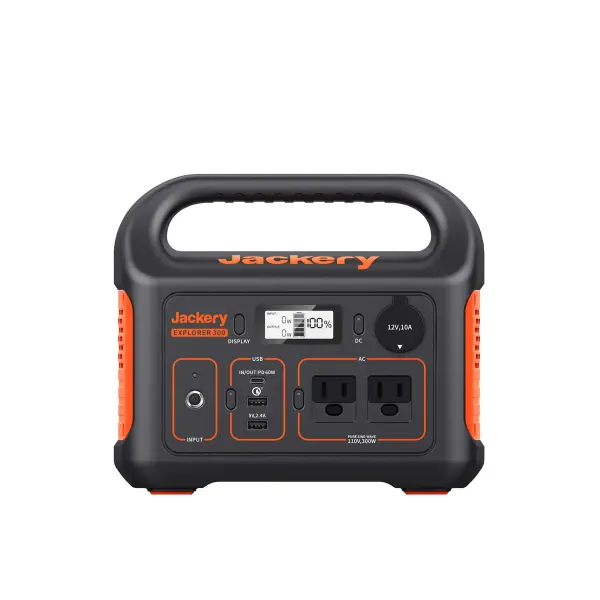
Even though the studio window on the road faced out to some amazing views, sometimes inspiration was further away from any power outlets at all. This is were a battery bank comes in handy. Make sure you only use SINE WAVE inverters and battery systems like the Jackery Explorer 300 Portable Power Station to avoid equipment damage. The unit is easy to recharge when you are connected to an outlet and we even added a few solar panels to keep the battery topped off. Having a battery system like this can give you a few hours to charge and run your laptop and a few components (not the subwoofer). The Jackery power station even allowed me to run the Pioneer RX2 or Pioneer RX3 all in one DJ units and my small speakers to be able to mix in inspiring locations and record my monthly mix show EPIPHANIES on Frisky Radio.
STAYING CONNECTED:
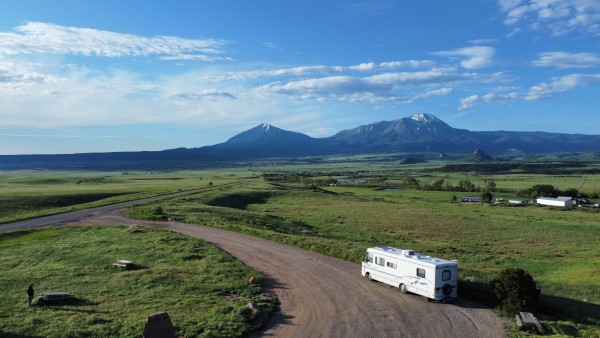
Being off the grid is liberating but we went full-time on the road for over a year and covered more than 12,000 miles and during all that time you have to come up for air eventually and reconnect with the outside world. I found out quickly that tethering to my cell phone for the internet wasn’t going to be able to support the demands of a producer and DJ listening to hundreds of new promos each month and sending off mixes and projects at crawling connection speeds.
For both my music work and my wife’s career in sustainability, we both needed to be connected often and the best tool for that was a commercial solution router system designed for buses and ships from a manufacturer called Peplink. The system is a smaller router with a mounted MIMO antenna disc on the RV roof and two separate SIM CARD slots. This allows for connecting to two separate networks like AT&T and Tmobile to ensure coverage in almost any location.
The key is having an “Un-Throttled” connection with large data amounts so you don’t get throttled down to slower speeds like a normal cell phone tethering. Additionally, major carriers don’t really offer these larger data packages and you have to get re-sold data plans and “grandfathered in” plans to really get the amount of data of an average monthly home internet connection. We had around 20mbps and a 500 gig data plan each month which was plenty even for some Netflix days. We used mobile plans and bought our router system from a US company called Mobile Must Have which had great customer service and is run by real road warriors using and testing all the gear for road trip-style applications.

These days I have also heard good reports from users successfully installing StarLink systems on the vehicles or setting up outside of camp. The newer Flat High-Performance version of their system also boasts connectivity while in motion, which is one of the features only available previously in cellular systems. Both the Standard and Flat High-Performance Starlink systems do however require a clear view of the sky to connect.
KEEPING YOUR COOL:
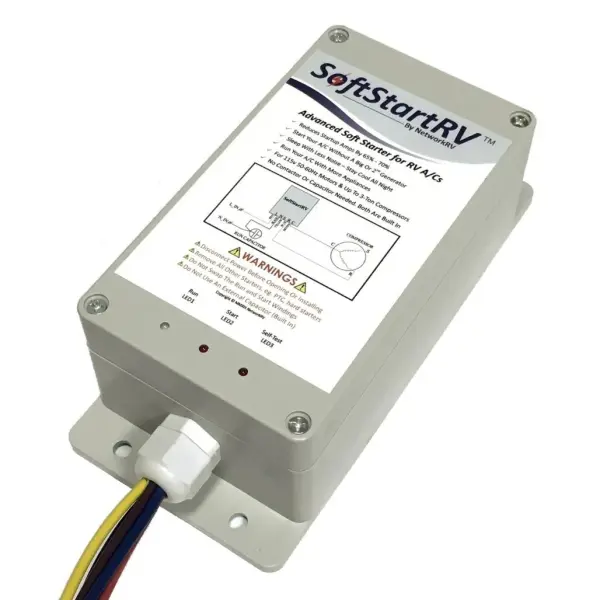
Depending the time of year and time of day if you are doing the road trip completely RV or Van based then you will have some point when fans aren’t enough and you need to run the air conditioner but might not have the standard 30 amp connection to do it. A massive road trip hack we discovered is the SoftStart RV Air Conditioning component that takes less than an hour to install on your roof AC and allows you to run the unit using a (US) standard 15-20 amp 120volt wall outlet. The internal capacitor takes the initial start-up load off the system and works like a charm. Keep in mind you can’t run the AC and use other appliances along with power-hungry speakers.
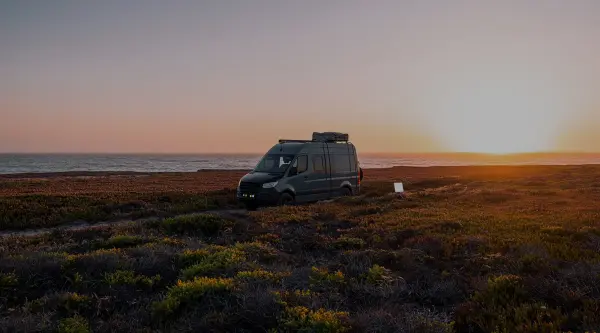
During the span of the full road trip of 1.5 years on the road I learned that setting yourself up for success is essential and all the prep work before departure will lend to quickly capture those moments of inspiration and make the day-to-day workflow feel like you are back at home in your own house even when you are adventuring out and making music cliffside overlooking the ocean or in a remote boondocking location.
Being settled now back in South Florida I recently completed my most recent remix of Serge Canteros track “Let’s Move” and the title was very fitting for that chapter in life getting off the road and the inspiration for sharing this guide with you. Looking back on the road trip it was a once in a life time experience that I hope to get a taste of again. Good luck on your on the road music productions and I leave you with a few remixes I produced in the mobile RV studio.
“LET’S MOVE (LUKE HUNTER REMIX)” – SERGE CANTEROS [AH DIGITAL]
“PANORAMAS (LUKE HUNTER REMIX)” – SAM HOPGOOD & NATHAN CLEMENT [LAIKA SOUNDS]
You can also check out my monthly Progressive House chart for Magnetic Magazine which features a continuously updated Spotify playlist of each month’s chart selections.
What should you buy for each travel setup?
| Use case | Buy first | Add later | Skip |
| Flights and trains | 13-inch laptop, closed-back headphones, Launchkey Mini | Small bus-powered interface | Monitors, Push 3, DJ system |
| Hotels | Laptop, interface, closed-back headphones, controller | SoundID Reference, compact monitors for long stays | Subwoofer for short stays |
| Car or van | Laptop, interface, headphones, controller, power station | Starlink Mini, compact monitors when parked | Large DJ system without secure storage |
| RV | Laptop, interface, headphones, controller, monitors, protected power | Subwoofer, Push 3, Peplink, Starlink Mini, XDJ-RX3 | Unsecured equipment during travel |
Which buyer questions should you answer first?
- Will the system travel through airports, or stay inside one vehicle?
- Do you record microphones and instruments, or work inside the computer?
- Can speakers stay in the same position for a few days?
- What is the total wattage of the equipment?
- Is phone tethering enough for file transfers and calls?
- Can each device be locked down or stored before the vehicle moves?
- Which current sessions need to open without missing plugins or samples?
Answer those questions before ordering. The smallest system that completes the planned work is usually the correct system.
What is the final buying advice for 2026?
Most producers should start with the MacBook Air M5, a compact bus-powered interface, ATH-M50x headphones, and Launchkey Mini 25 MK4. That system covers writing, editing, recording, arrangement, and early mix work without taking over the bag or desk.
Add iLoud Micro Monitor Pro speakers when the room stays consistent. Add a Jackery unit when power interruptions or off-grid sessions are expected. Add Starlink Mini when cellular coverage cannot support work. Reserve Push 3, Peplink, a subwoofer, and the XDJ-RX3 for fixed vehicle setups with secure storage and a clear reason for each purchase.
The 2026 rule is simple: buy for the location and the work scheduled there. A flight kit, hotel kit, and RV studio should not use the same equipment list.